

This guide will help you use a discount coupon you've got. Take in mind that this guide is specifically for discount coupons and not for giftcards (coupons specifically made for the total price of the product)
Redeeming a Coupon with E-Wallets (Verifone)
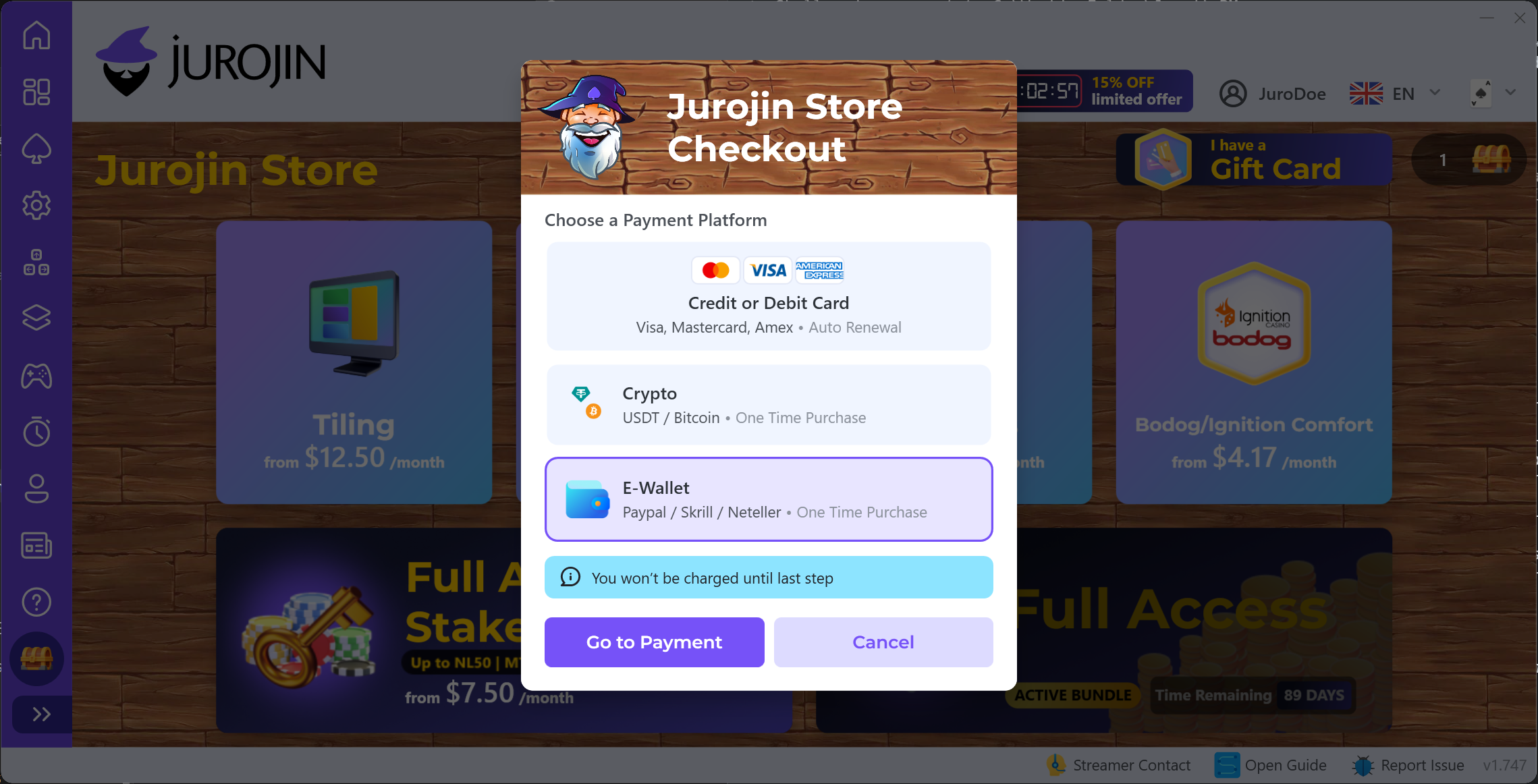
1 Select E-Wallets as Payment Method
Our E-Wallets gateway (formerly Verifone) supports a wide range of local payment methods and also credit/debit cards, all as a one-time purchase with no recurrent subscription. After selecting your desired products/offers, choose the E-Wallets option at checkout.
2 Input the Coupon Code
Once in the E-Wallets web checkout, press the "I have a discount coupon" link below the product and enter your code. The video below shows the full flow:
Redeeming a Coupon with Cards or Crypto
Paying with a card (Stripe) or with crypto is even simpler: the discount coupon field appears right on the next step of the checkout, so you just paste your code there — no extra navigation needed.
The video below shows the crypto flow as an example:
Hope you found this guide useful 😊. Good luck on the tables!